

What many businesses and nonprofits don’t realize is that web browsers aren’t case sensitive with domain names. This means that you can use upper and lower case, all caps, or all lower-case letters, which can be harder to read, when you share your domain name through any of your integrated communication channels.
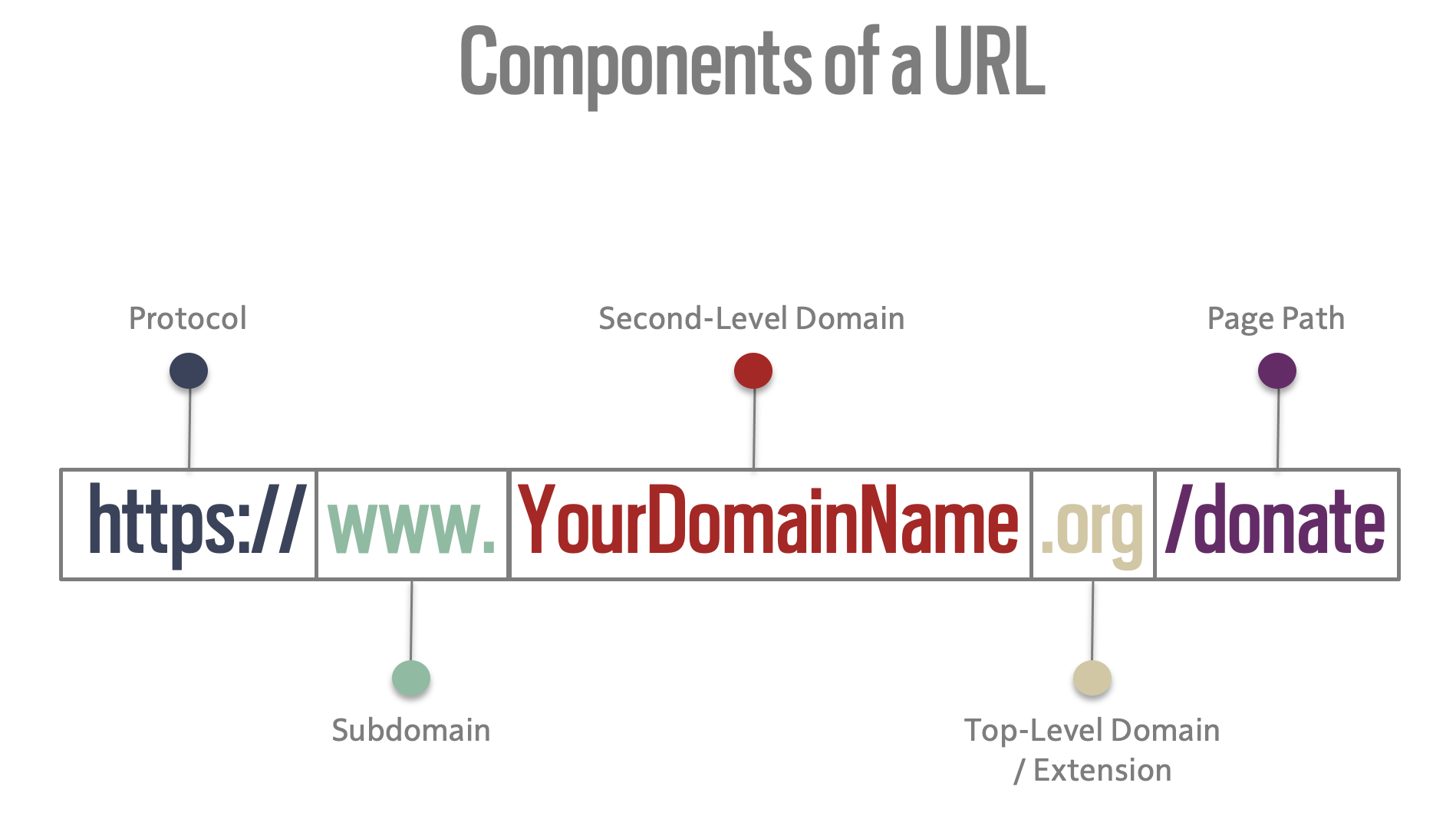
But all the parts of your URL are not all equal when it comes to being case sensitive. So, let’s diagram the pieces and parts for clarity.
Uniform Resource Locator [URL]
By definition, a URL is a Uniform Resource Locator. It is the address used to locate your specific web page on the internet. And your specific domain name plays the most important role in that address and for your brand.
Protocol
The Protocol, or scheme, designates how your browser communicates with the server and is not case sensitive.
Subdomain
To help organize content, a subdomain requests a specific section of a website. For the most part, your subdomain will be the worldwide web or www. Your nonprofit may also use the blog. subdomain for your specific blog content. The subdomains are not case sensitive. However, browsers no longer require you type the www. subdomain to access a website.
Domain Name
The domain name system [DNS] has two parts, and both are not case sensitive as it treats upper and lowercase letters as identical.
- Second-Level Domain
This is your registered name and your main address. This component of your URL is not case sensitive and has great potential to be distinguished through design using case, branded fonts, and colors.
- Top-Level Domain or Extension
The list of available extensions is now over 1,600. Most organizations, ministries, and churches use the legacy extension of .org. Other common extensions for nonprofits are .church, .edu for authorized schools, and .gov for authorized governmental agencies. Nongovernmental organizations can now use .ngo as well.
Page Path
Everything following the second and top-level domain, and preceded by a forward slash “/”, are case-sensitive and indicates the page path directing the server to a specific page, file, or folder on your website. While most page paths are in all lowercase, upper and lowercase can be used, but if not entered exactly, could result in a 404 Error page.
Domain names that are easy to read, write, and retain.
You can make your domain name easier to read, write, and retain, just by using upper and lower case.
For example:
Let’s use this principle on what is currently the longest, registered domain name . . .
www.theofficialabsolutelongestdomainnameregisteredontheworldwideweb.international
WWW.TheOfficialAbsoluteLongestDomainNameRegisteredOnTheWorldwideWeb.INTERNATIONAL
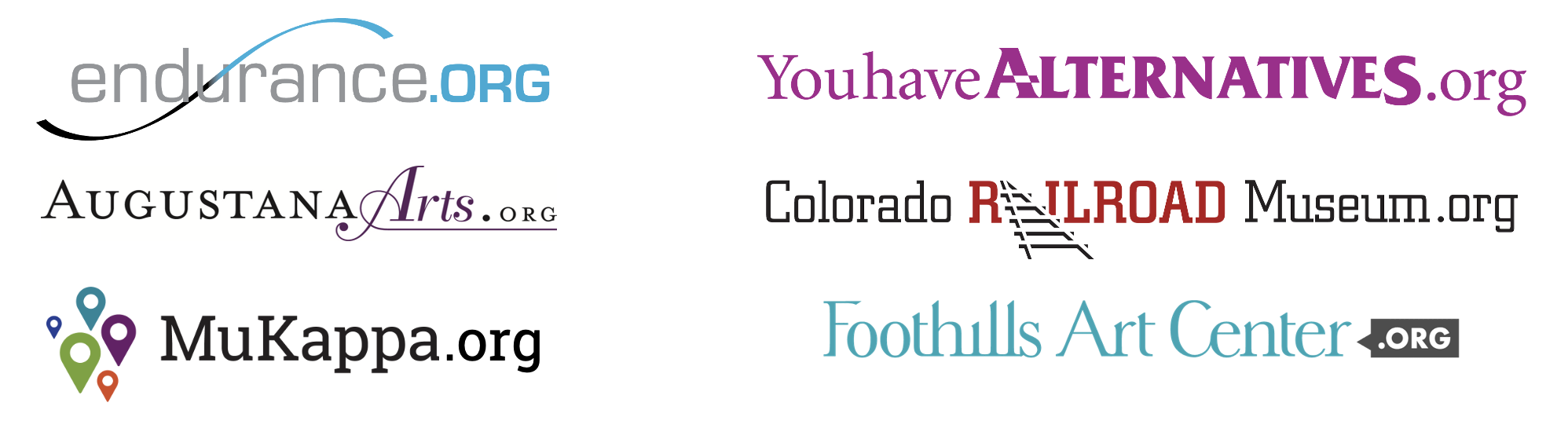
You can click/enter either example shown above here and both will take you to “The Official” website. So, as you can see, upper and lower case makes it immediately easier to read. And, if you also use your branded fonts and color palette to design your domain name visually, you can gain even more readability.
So, don’t miss the opportunity to brand your web domain address whenever possible using upper and lowercase letters. And when you’re able to use fully designed versions of your domain, the added visual assets can make a world of difference on the worldwide web.
Consider This Cahoots Course
Master of Your Domain — Finding the Perfect Online Address
Provides all the details about finding and designing your URL’s domain name to make it easier to read, write, and retain.